By: Misagh Azimi — Visiting Researcher at the Metacreation Lab for Creative AI
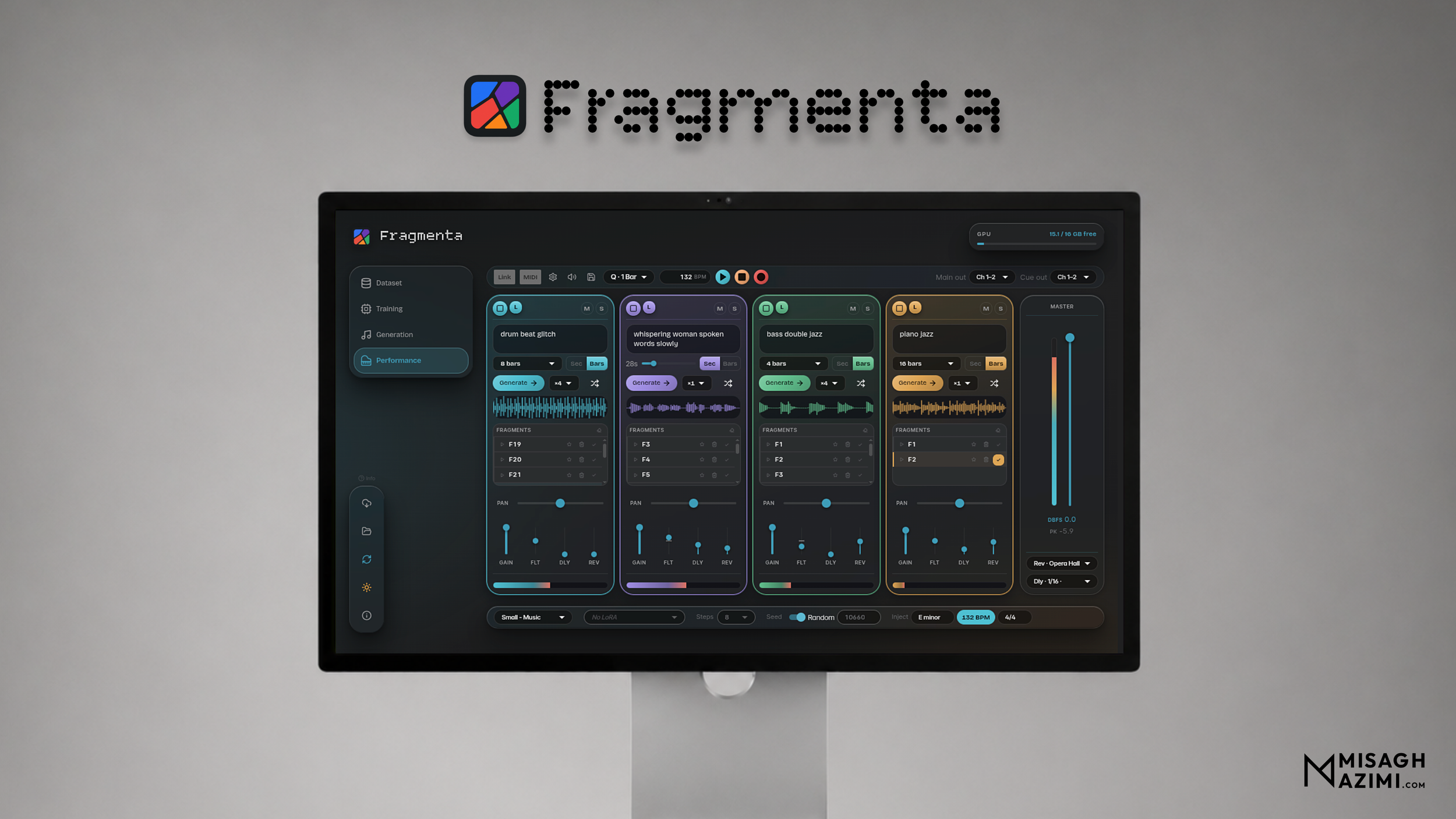
Fragmenta is an open-source app that brings the complete generative AI text-to-audio pipeline to musicians: intuitive dataset creation, LoRA training, generation, audio editing, and live performance. After the initial installation, the app runs fully offline, and your data never leaves your device.
Built on Stable Audio 3, Fragmenta is designed for all musicians, and especially for experimental music and sonic arts practitioners, giving them the ability to shape the latent space with their own audio and musical data, no coding required. It reflects the small-data, model-bending, and artist-first approaches to AI that are central to my PhD research.
Features
Desktop app with a lightweight pywebview window and a pre-built React frontend
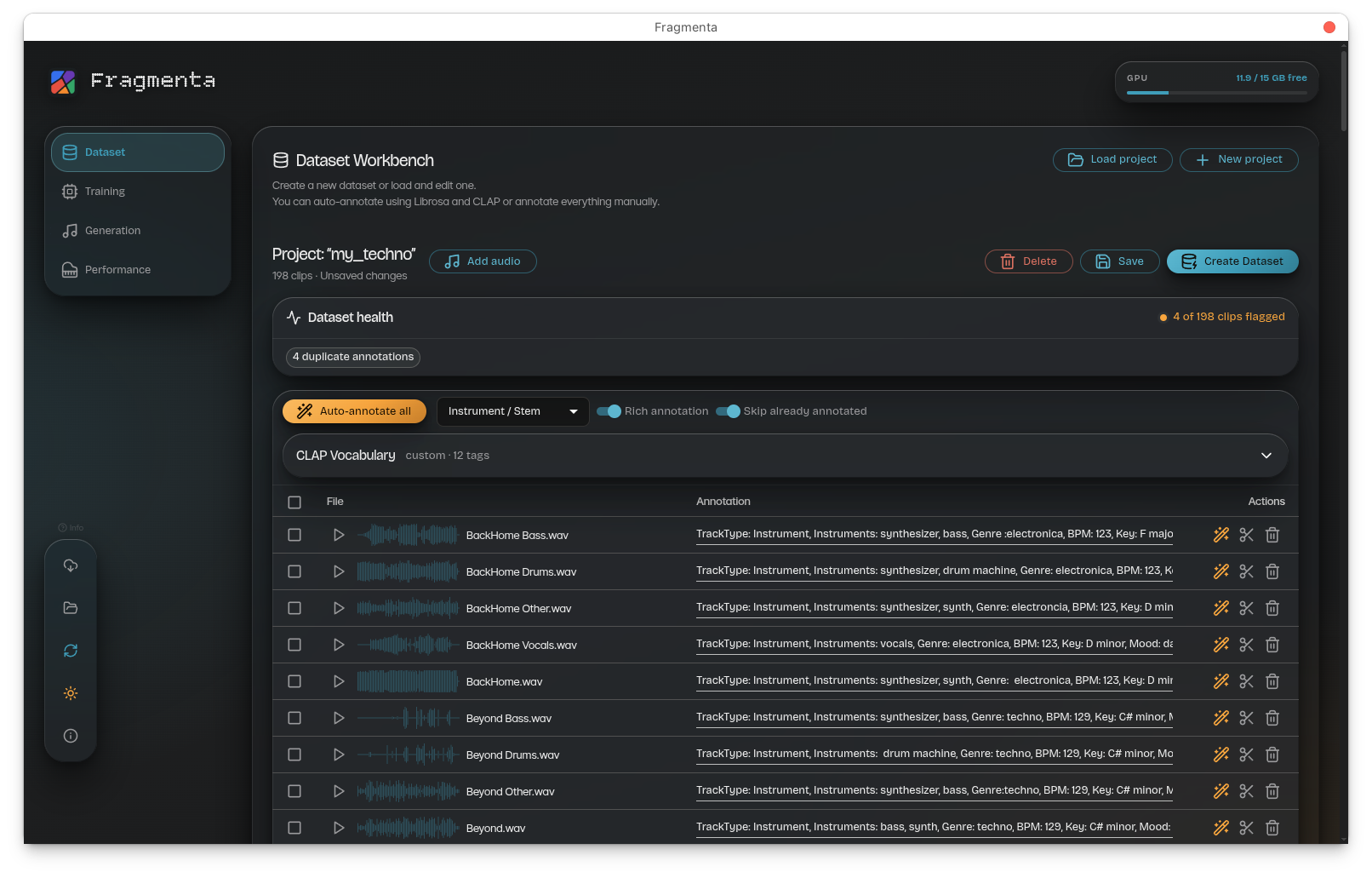
Bulk auto-annotation — generate text prompts for your audio files via DSP analysis (Basic) or AI tagging with LAION-CLAP (Rich), with optional user-defined vocabulary
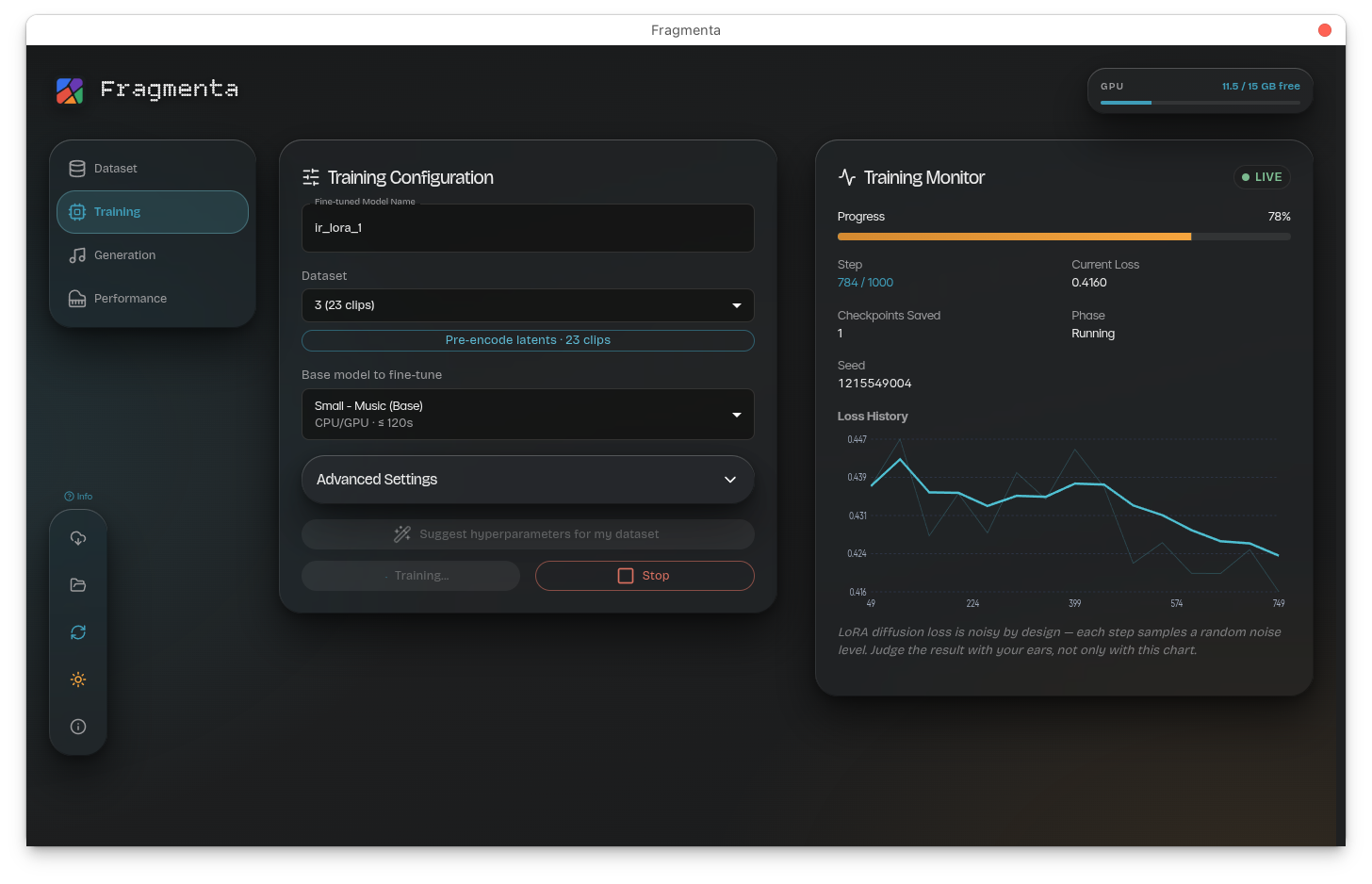
Project-aware LoRA training with configurable rank, steps, learning rate, batch size, checkpoint frequency, and precision — trains directly on a Dataset Workbench project
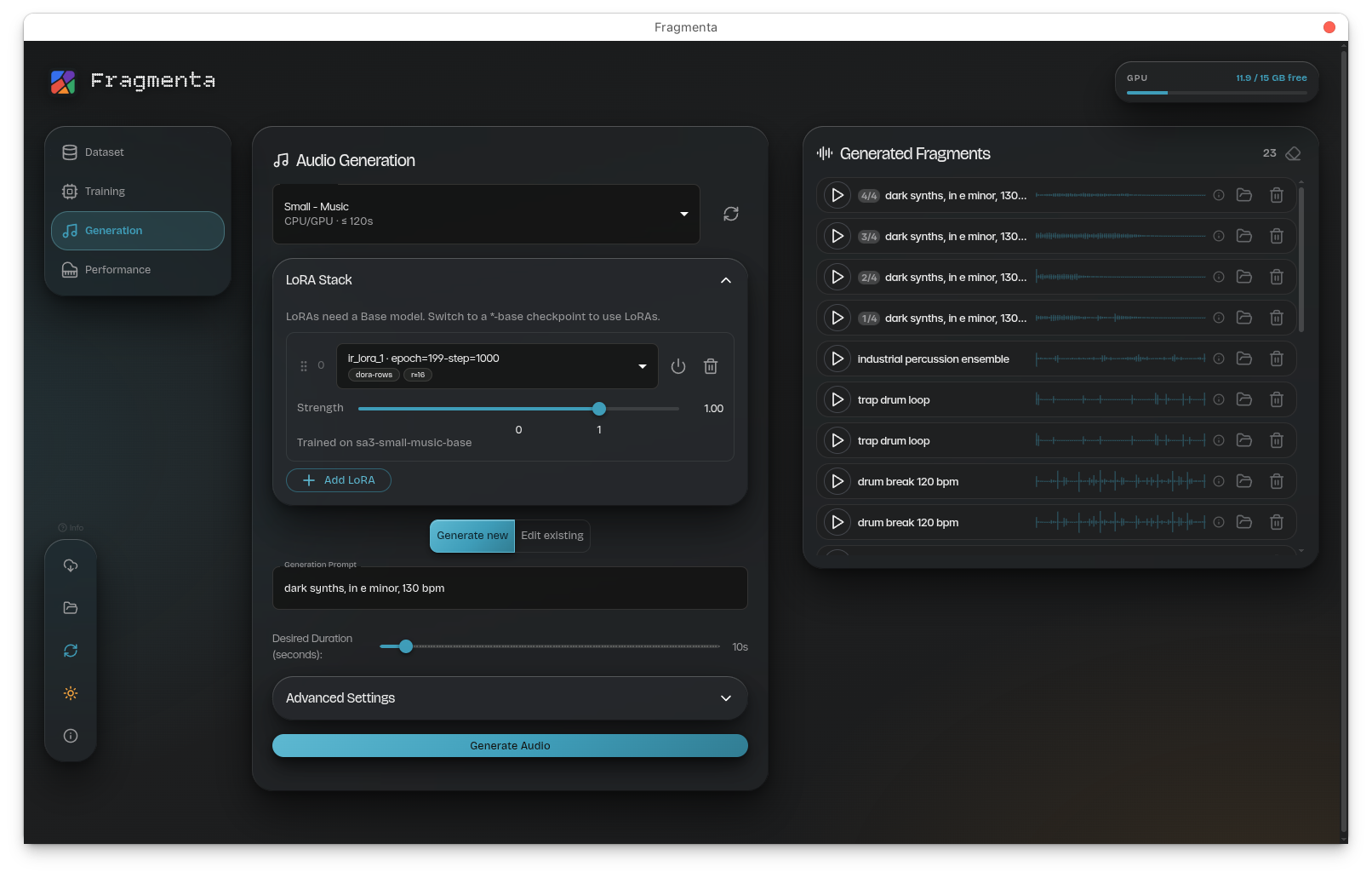
LoRA adapters — train LoRA, DoRA, or BoRA adapters (plus low-VRAM -xs variants) on top of a frozen *-base checkpoint for consumer GPUs; stack up to 4 at once with per-slot strength, bypass, and reorder at generation time
Text-to-audio generation — variable-length clips (up to 120s small / 380s medium), with CFG scale, inference steps, seed control, and a multi-LoRA stack
Audio editing (Edit tab) — style transfer (audio-to-audio), region inpainting, and clip extension/continuation
Checkpoint Manager — pick and download individual SA3 checkpoints (Small Music/SFX, Medium, and the matching *-base models) with per-item progress and hardware-compatibility hints
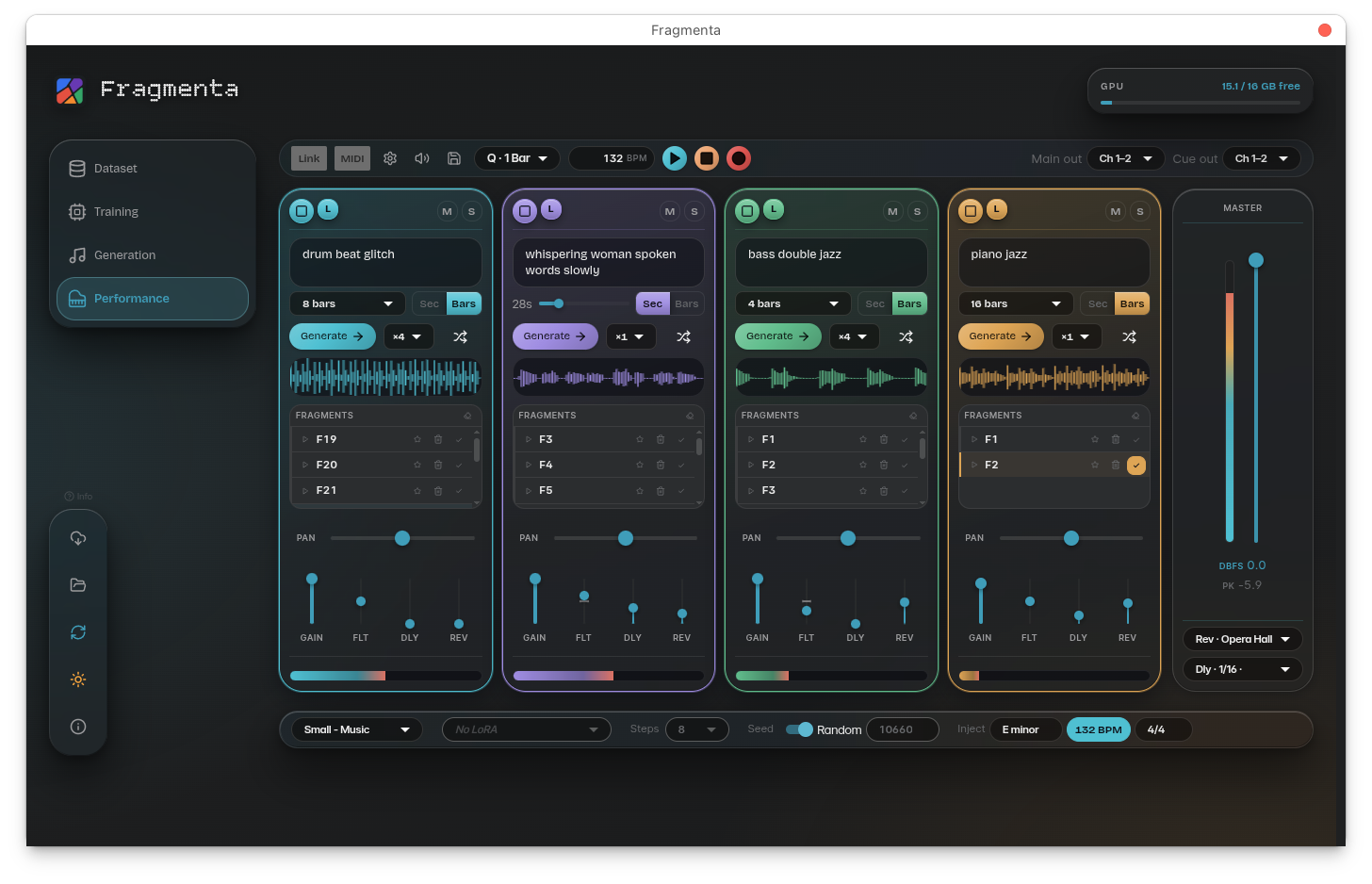
Performance Mode — a 4-channel live sampler: per-channel effects (gain, pan, filter, delay, reverb), master dBFS metering, bars-mode generation, launch quantization (standalone or via Ableton Link), persistent sessions, named presets, and MIDI learn (see Performance Mode)
Real-time GPU memory monitoring